Free POS systems using QR payments allow small businesses to accept cards without monthly fees or expensive hardware, making them ideal for mobile, low-volume operations that value flexibility, simplicity, and lower upfront costs.
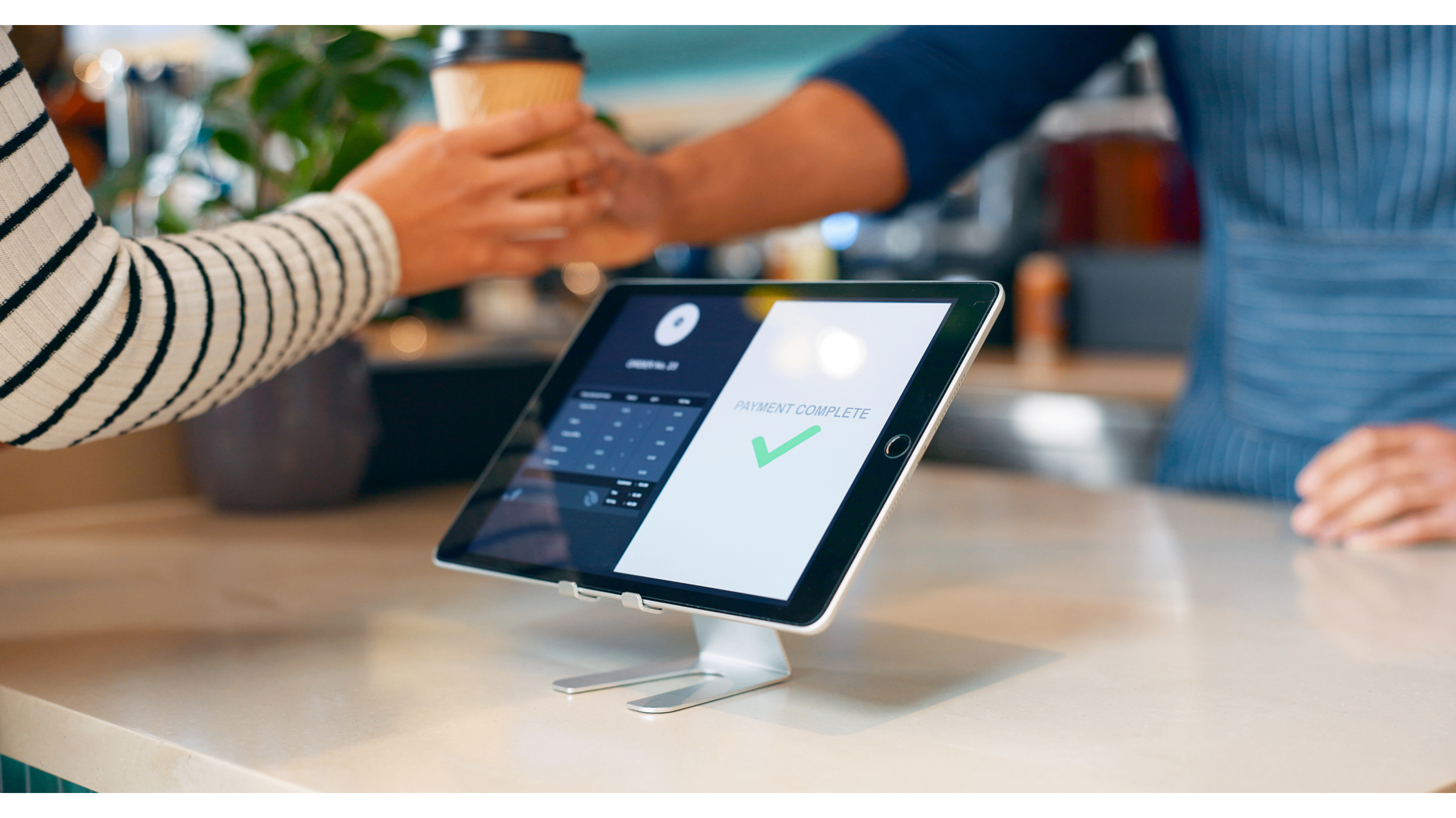
For many small businesses, accepting card payments still feels more expensive than it should. Monthly POS subscriptions, long contracts, and hardware costs add up fast—especially if you’re running a food truck, pop-up shop, mobile service, or side business. The good news? You don’t need to pay a monthly fee to run a legitimate, professional point-of-sale system anymore.
Modern “free” POS solutions have changed how small businesses get paid. Instead of charging you every month, these systems make money only when you do. Even better, your smartphone can now act as the hub of your checkout process—without buying additional hardware.
Here’s how free POS systems really work, what they’re good at, and when they make sense for your business.
Free POS platforms don’t charge a subscription fee. There’s no monthly bill just for having the system turned on. Instead, the provider takes a small percentage of each transaction you process.
That tradeoff works well for businesses with inconsistent sales, seasonal slowdowns, or low weekly volume. You’re not paying for software during weeks when revenue is light—you’re only paying when money comes in.
There are compromises, of course. Transaction fees are often slightly higher than on paid plans, and advanced features like deep inventory management or staff scheduling may be locked behind upgrades. But for many small operators, those features aren’t essential.
Not all POS setups are created equal. The best choice depends on where and how you sell.
Mobile systems use a phone or tablet to initiate payments rather than relying on a fixed checkout terminal. Instead of swiping or tapping a card, customers scan a QR code displayed on your device or printed at your location. The code opens a secure payment page where they complete the transaction using their preferred method.
These setups are ideal for:
Because customers use their own phones to pay, hardware requirements stay minimal and setup is fast.
Web-based systems run entirely in a browser. Any laptop, tablet, or computer with internet access can function as a checkout station.
QR payments fit naturally into these systems. You generate a payment QR code on-screen, the customer scans it, and the transaction completes without touching your device.
The downside is dependence on internet connectivity. If your connection drops, you won’t be able to generate payment links or access sales data.
This is the traditional checkout station: computer, scanner, receipt printer, cash drawer—the whole setup.
Desktop systems work well for high-volume businesses, and many now support QR payments as a secondary or fallback option. Customers can scan a code displayed on the customer-facing screen to complete payment without handing over a card.
While powerful, desktop systems cost more upfront and lock you into fixed checkout spots. They’re best suited for established stores with consistent traffic.
Tablet systems balance mobility and usability. Mounted at a counter or carried around the store, tablets display QR codes clearly while still supporting other checkout functions.
They’re popular in:
In restaurants, QR codes can be used for tableside payment. In retail, staff can check out customers anywhere without sending them to a register.
QR-based payments shift part of the checkout process to the customer’s phone. When it’s time to pay, you display or print a unique QR code tied to the transaction. The customer scans it with their camera, which opens a secure payment page.
From there, they can pay using:
Once payment is complete, both sides receive confirmation, and the sale is recorded automatically in your POS system.
QR-based systems are especially effective for:
Because the customer uses their own device, checkout can stay fast even when you’re short-staffed.
QR payments aren’t ideal in every scenario.
For busy environments with long lines, QR payments work best as part of a broader setup rather than the only option.
When a customer scans a QR code:
The entire process usually completes within seconds. Funds are deposited into your business account according to your processor’s payout schedule, typically within one to three business days.
To pick the right POS approach, consider:
Businesses processing fewer than 50 transactions per week often save money with free, QR-based systems. Higher-volume businesses may benefit from lower transaction fees on paid plans.
Security still matters. Reputable QR payment platforms encrypt all data and comply with payment industry standards. Always confirm PCI compliance before processing live transactions.
Free POS systems that rely on QR payments give small businesses a realistic way to accept modern payments without monthly fees or specialized hardware. By shifting checkout to the customer’s phone, these systems reduce cost, complexity, and setup time.
The best solution is the one that fits how you actually operate. QR-based POS works beautifully for mobile, low-volume, and service-driven businesses. For high-traffic retail or restaurants, it often works best alongside more traditional payment options.
Either way, business owners today have more flexibility—and fewer unnecessary fees—than ever before.


