HIPAA technical safeguards confuse many dental practices, yet auditors check them first. From encrypted backups to access controls, learn which IT protections your practice needs and how to document them properly for compliance.
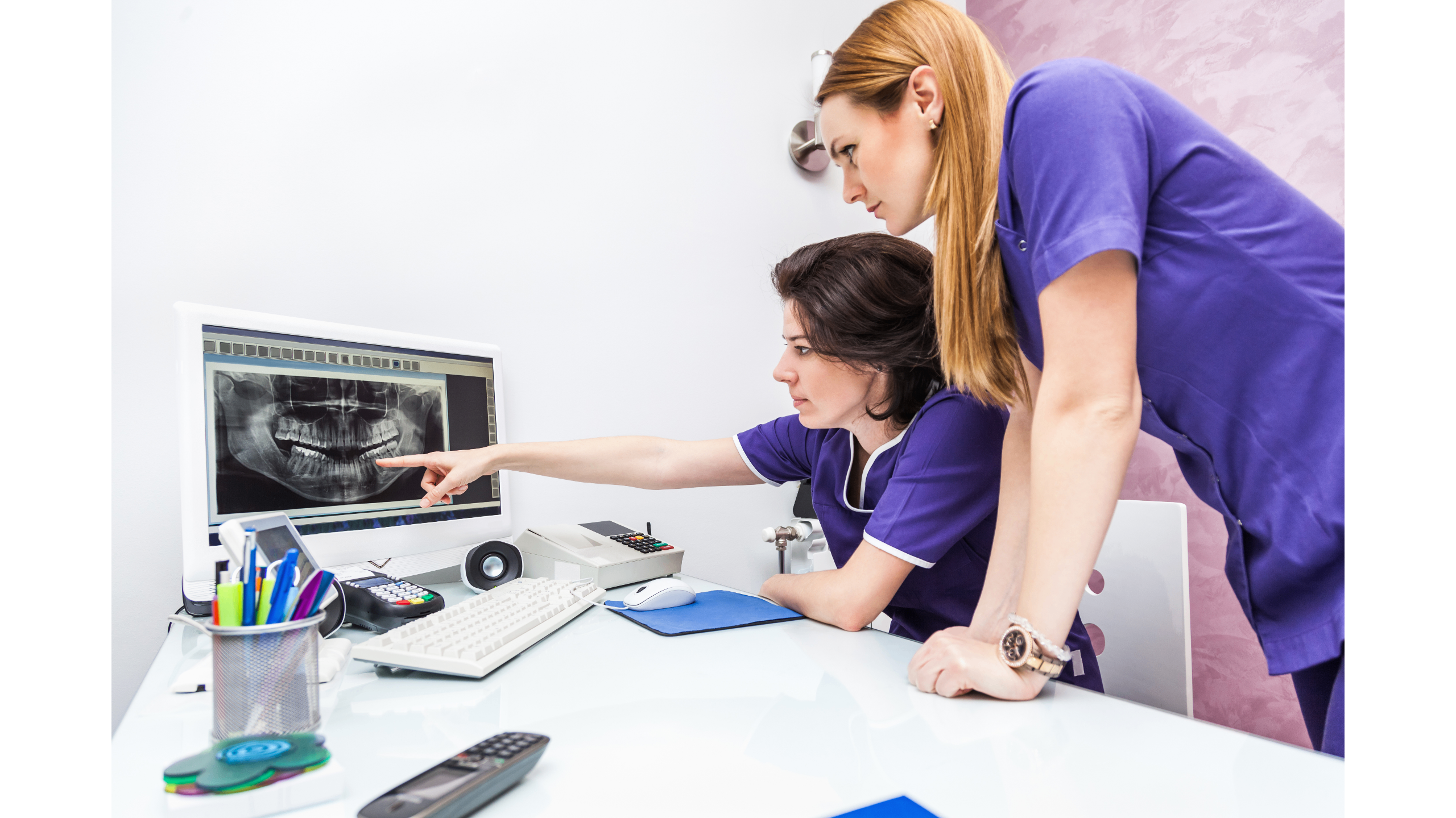
The first clock measures lost revenue, where your front desk can't schedule appointments, hygienists sit idle, and patients wait in the lobby while your team frantically restarts computers.
The second clock measures HIPAA exposure, and if that freeze involves unencrypted devices or accessible patient files, you're now dealing with potential breach documentation that most practices only think about when an auditor starts asking questions. You probably didn't open a dental practice to become an IT expert since you trained to fix teeth, not networks, yet HIPAA's Security Rule puts technical safeguards squarely in your lap where ignorance doesn't count as a defense when auditors show up.
HIPAA compliance feels like paperwork—privacy notices, consent forms, staff training—and while those matter, auditors increasingly focus on your technical controls first with questions about whether unauthorized people can access patient records, whether backups are encrypted, and whether you test restores.
Many practices run Dentrix or OpenDental smoothly for years without thinking about these questions until something breaks—a workstation gets infected, a laptop goes missing, or an employee leaves with admin-level access still active—and suddenly you're scrambling to document safeguards you never implemented.
The disconnect happens because practice management software handles clinical workflows beautifully but doesn't automatically make you HIPAA-ready, where Dentrix tracks patient charts without enforcing device encryption and OpenDental manages billing without monitoring who accesses records after hours. You need a layer of technical controls sitting underneath your practice software, and that's where most practices get stuck.
HIPAA requires "reasonable and appropriate" technical protections, and while that vague language trips up many practices, auditors look for specific controls.
You need systems that limit PHI access to authorized users only, which breaks down into several pieces.
Role-based permissions mean your front desk sees scheduling and demographics without clinical notes, hygienists access treatment records without billing details, and you grant the minimum necessary access for each role. Most practice management systems support this natively, but many practices never configure it properly.
Unique user IDs prevent shared logins since when five people use "FRONTDESK" as a login, you can't track who viewed a record or made a change, and HIPAA requires individual accountability.
Multi-factor authentication adds a second verification step beyond passwords, where someone needs your password and your phone to log in, which stops most unauthorized access attempts cold.
Automatic logoffs close sessions after inactivity, so when your assistant walks away from a workstation, the system locks after a few minutes and patient data doesn't sit on-screen in public areas.
Encryption scrambles patient data so unauthorized viewers see gibberish instead of names and diagnoses.
Device encryption protects laptops, tablets, and workstations, and if a device goes missing, the data remains unreadable through tools like Windows BitLocker and Mac FileVault that someone needs to enable and manage properly.
Email encryption matters when you send referrals, insurance claims, or lab orders since standard email travels in plain text that's readable by anyone intercepting it, while secure email gateways encrypt messages automatically.
Backup encryption ensures your stored patient data stays protected, and your backup system should use encryption during transmission and storage with keys you control.
HIPAA requires logging and monitoring of PHI access, which means you need systems that record:
Most practice management systems log these events, but the logs sit unused when you need regular reviews—monthly minimum—to spot suspicious patterns like an employee accessing 50 patient records in an hour that deserves investigation.
Patient records need protection from unauthorized changes or destruction, which ties back to access controls and audit logging but also includes backup strategies.
The 3-2-1 backup rule applies: three copies of data, on two different media types, with one copy off-site, and for dental practices this typically means:
Testing restores matters more than having backups, so schedule quarterly test restores to verify you can actually recover patient data, document the results, and be ready when auditors ask.
PHI travels between workstations, imaging systems, insurance clearinghouses, and cloud services, where each connection needs protection.
Virtual Private Networks (VPNs) encrypt remote connections, and if staff access practice systems from home, VPNs prevent eavesdropping while firewalls block unauthorized network access and allow legitimate traffic through.
Secure protocols matter for cloud services since your backup provider, imaging storage, and any web-based tools should use encrypted connections with HTTPS/TLS at minimum.
When ransomware hits a practice, encrypted backups with tested restores mean you lose hours instead of weeks, where one practice recovered completely because they ran monthly restore drills while another practice without tested backups discovered their backup system had failed silently for six months after the attack hit.
Endpoint detection software catches threats before encryption starts since traditional antivirus misses modern ransomware while endpoint detection and response (EDR) watches for suspicious behavior patterns.
Email filtering blocks phishing attempts that trick staff into clicking malicious links, and one practice avoided a breach when filtering caught a fake insurance email that looked identical to legitimate correspondence.
Network monitoring alerts you to unusual activity, so if someone tries accessing patient records at 3 AM from an unfamiliar device, you know immediately.
Dental practices often work with multiple vendors—practice management software, imaging systems, payment processors, insurance clearinghouses, backup services—and when something breaks, vendors point fingers at each other.
You call Dentrix support and they say it's a network issue, your internet provider says the network is fine and it must be the software, and meanwhile your schedule sits frozen.
IT providers who handle vendor liaison cut through this by opening tickets, escalating issues, and following through to resolution so your front desk staff stays with patients instead of spending hours on support calls.
This becomes particularly important for HIPAA compliance because you need Business Associate Agreements (BAAs) with any vendor handling PHI, and your IT provider should coordinate these and document them properly.
Technical safeguards only count if you document them since auditors want written policies, procedures, and evidence of implementation.
Your documentation should include:
This sounds tedious because it is, and most practices need help creating and maintaining this documentation where IT providers experienced with HIPAA create templates and update them as your systems change.
Begin with a risk assessment by walking through your technical environment and identifying gaps around whether all workstations have encryption, backups get tested, and everyone uses unique logins.
Prioritize based on likelihood and impact, where a missing laptop encryption poses immediate risk while inadequate password policies create long-term exposure.
Fix critical issues first, then build systematic protections since you don't need to achieve perfect compliance overnight, but you do need documented progress toward reasonable safeguards.
Consider working with IT providers who specialize in healthcare and dental practices since they understand HIPAA requirements, know common practice management systems, and can document technical controls properly. Look for local teams familiar with your area where response time matters when systems fail mid-day.
Many IT providers offer risk assessments as a starting point where they review your current setup, identify high-value fixes, and help prioritize improvements without pressure.
HIPAA technical safeguards protect two things: your patients' privacy and your practice's viability, where the financial and reputational damage from a breach far exceeds the cost of prevention.
Start with the basics—encryption, backups, access controls, monitoring—and document everything while testing your systems regularly. When you need help, work with IT professionals who understand dental workflows and HIPAA requirements.
Your patients trust you with their health information, and technical safeguards help you honor that trust while keeping your practice running smoothly.
You should test backup restores quarterly at minimum, though monthly testing provides better assurance your systems will work during an actual emergency. Each test should verify that patient data restores completely and that your practice management software functions properly with the restored data while you document every test with dates, results, and any issues discovered for auditor review.
Yes, HIPAA requires encryption on any device that stores or accesses PHI, which includes workstations, laptops, tablets, smartphones, and portable hard drives. If a device leaves your office or sits in publicly accessible areas, encryption becomes even more critical since most modern operating systems include built-in encryption tools that just need proper configuration and management.
Traditional antivirus scans files for known virus signatures, while Endpoint Detection and Response (EDR) monitors behavior patterns to catch new threats that antivirus misses. Ransomware often evades signature-based detection by constantly changing its code, but EDR watches for suspicious activities like rapid file encryption or unusual data access patterns that provide significantly better protection for dental practices handling sensitive patient data.
Look for IT providers with specific experience supporting dental and healthcare practices in your area who understand practice management systems like Dentrix, OpenDental, and Eaglesoft, offer Business Associate Agreements, and provide documentation support for audits. Local providers familiar with your region can respond quickly when issues affect patient care.


